Publish a host with SSO
Put an existing service behind OIDC so only signed-in humans can hit it, without touching the upstream's own login. Argos handles the OIDC dance; Caddy forwards every request to argos for a session check first and only then to your backend.
Prerequisites
- OIDC already configured in the panel. If not: OIDC SSO.
- The host already serves traffic without auth (done via Add a host).
- A Cookie parent domain that covers both the panel and the target host. Example: panel is
panel.example.com, target ismyapp.example.com, parent isexample.com. Without a parent domain, the session cookie is scoped to the panel host alone and ForwardAuth on the target will see an empty cookie jar.
1. Set the parent cookie domain
System → Single sign-on → Cookie parent domain = example.com. Save.
This changes the cookie behaviour globally:
Domain=example.comis set on the session cookie.SameSitechanges fromStricttoLax— required because the OIDC callback and the ForwardAuth redirect both involve a cross-subdomain navigation thatStrictwould drop the cookie on.
Existing sessions remain valid but will re-issue with the wider scope on the next login.
Parent domain is panel-wide
Flipping this setting applies to every host behind ForwardAuth, not just the one you are setting up. Pick the widest parent you are comfortable issuing cookies for.
2. Enable Auth required on the host
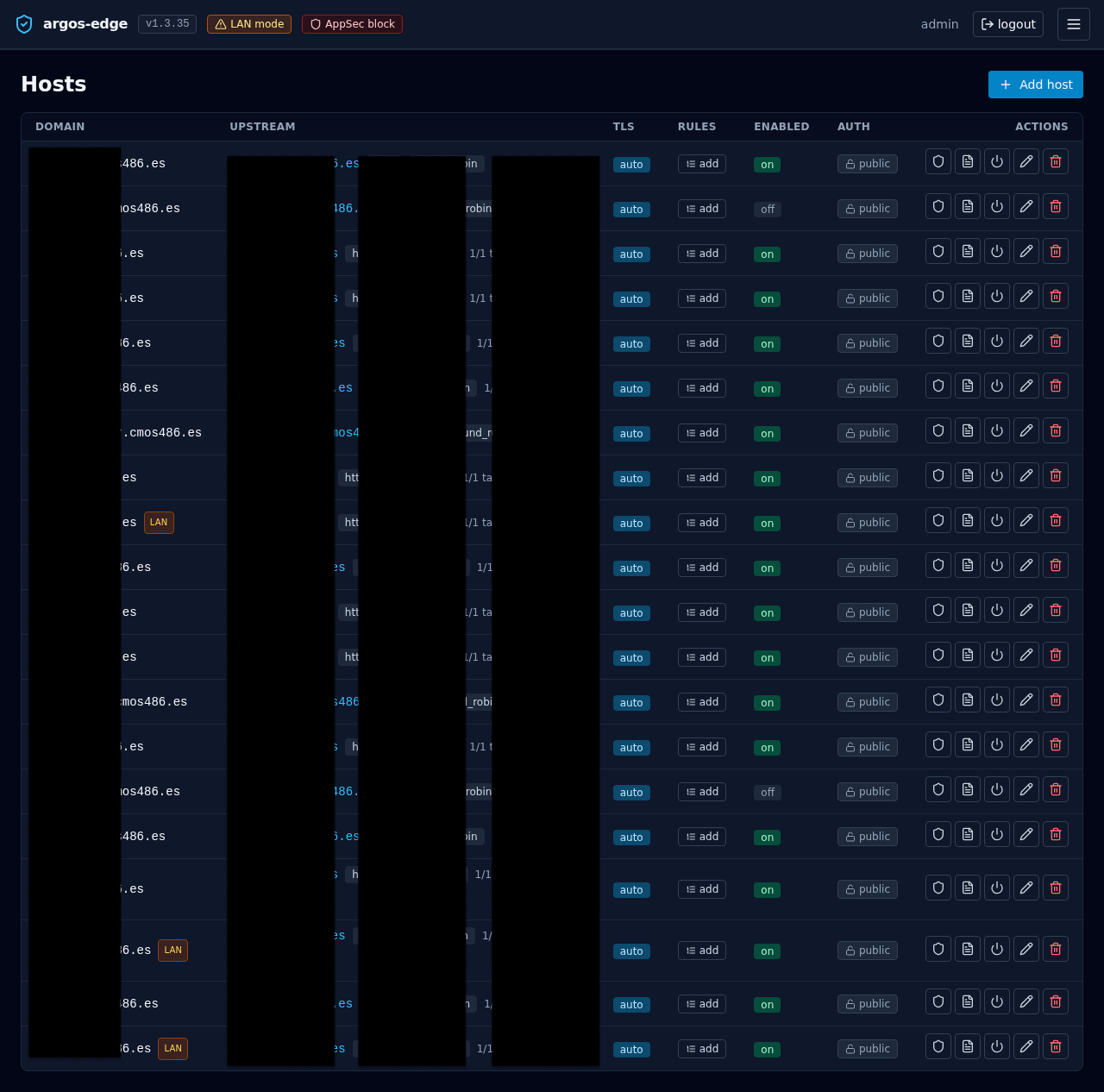
Hosts → your host → Auth required toggle on. Save.
Under the hood Caddy's config gets a forward_auth handler that calls https://panel.example.com/api/auth/forward before the reverse_proxy to your upstream. The argos endpoint either returns 200 OK with X-Auth-* headers (request proceeds) or 302s the user back to the panel's /login?rd=<original-url>.
3. Verify from a fresh browser
Open https://myapp.example.com/ in a private window. Three things should happen:
- Browser is redirected to
https://panel.example.com/login?rd=.... - You sign in (OIDC, password, whichever you have enabled).
- Browser is redirected back to the original URL and the upstream answers normally.
If step 1 does not happen, the auth_required flag did not reach Caddy. Check the reconciler log: docker compose logs argos | grep reconcile.
If step 3 lands you on the panel instead of the original URL, the return-to validator rejected the URL as unsafe — typically because the target host is not in the cookie parent domain's subtree. Revise the parent domain setting.
4. Upstream gets identity in headers
When ForwardAuth passes a request through, Caddy attaches four headers to the upstream request:
| Header | Value |
|---|---|
X-Auth-User | argos username (local or OIDC-provisioned) |
X-Auth-Email | from the users row, typically set for OIDC users |
X-Auth-Name | display name if set |
X-Auth-Provider | local or oidc (the row's external_provider) |
The upstream may use these to skip its own login screen. Make sure the upstream does not trust these headers when receiving traffic directly (i.e. not via Caddy); an attacker who bypasses the edge and talks straight to the backend could otherwise inject them. Safest patterns:
- Bind the upstream to
127.0.0.1or the docker bridge only. - Or have the upstream check a shared-secret header Caddy adds in addition to
X-Auth-*.
5. Logout invalidation is immediate
When the user clicks Sign out in the panel, argos deletes the session row and also evicts its ForwardAuth cache entry. The next request to any protected host (30 s window max, and typically the very next request) bounces to /login.
Without the cache eviction the user would stay logged in to protected hosts for up to 30 s after signing out — the known "signed out here but still admin over there" gap. Argos closes it at logout time deliberately.
6. (Optional) Limit who can sign in via SSO
OIDC's Allowed emails + Allowed domains apply to any login that lands through the SSO flow. If both lists are empty, every authenticated identity the IdP sends is accepted. Set at least one:
- Allowed emails — exact (lowercase) match against the user's email claim.
alice@example.comallows only Alice. - Allowed domains — matches the domain part.
example.comallows any@example.com. Does NOT matchfoo.example.comsubdomains; list them explicitly if you need them.
Combined with Require verified email (opt-in but recommended), these close the "anyone with a Google account can log in" hole that a fresh OIDC config leaves wide open.
Rollback
To take a host back off ForwardAuth: toggle Auth required off. The Caddy config regenerates without the forward_auth handler on the next reconcile.
To take the panel itself off OIDC (leaving only local password + TOTP): System → Single sign-on → Enable single sign-on off. OIDC-only users keep their rows but can no longer log in; local users are unaffected.