Onboard an admin
Add a second human that can operate the panel. Argos has no in-UI "create user" form; local accounts are provisioned via the ARGOS_INITIAL_ADMIN_* env-var bootstrap (which only fires once, at first boot). Everything after the first admin happens through OIDC auto-provisioning.
Before you start
- OIDC is already working: OIDC SSO.
- You know the new admin's email address.
- You know what email domain their IdP will send (Google will send
@example.com, Microsoft may send a different UPN, etc.). If in doubt, have them log in once with the allowlist wide open, look at their row in Users, then tighten the allowlist.
1. Add the email to the OIDC allowlist
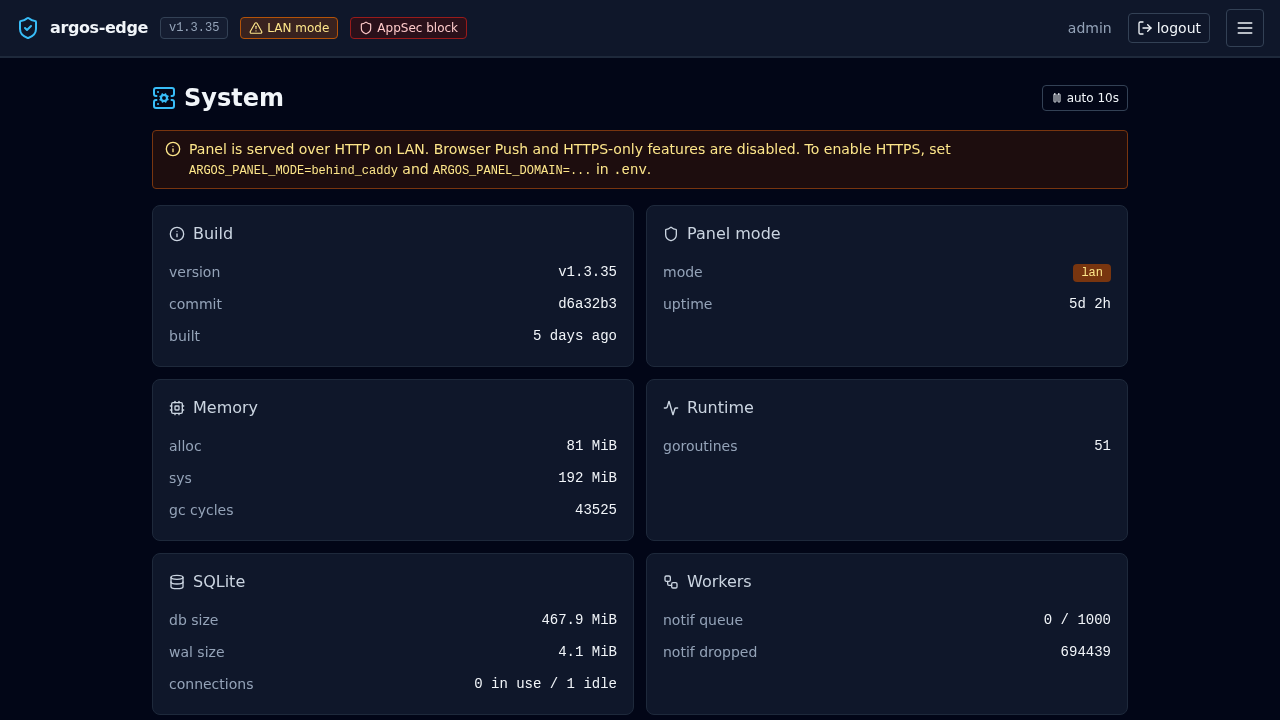
System → Single sign-on → Allowed emails, add the new admin's email on its own line. Save.
If you already operate with an allowed-domain list (@example.com) and the new user is under the same domain, they are already covered — skip this step.
2. Leave auto-provision on
System → Single sign-on → Auto-provision new users on first login should be on (default). With it off, the first time the new admin hits /login via the IdP, argos rejects them with no_auto_provision and you have no way to create the row short of direct SQL.
3. Tell the admin to log in
They browse to the panel and click Sign in with SSO. The IdP walks them through whatever MFA/consent is configured. On the callback:
- Argos sees a first-time sub, matches the email against the allowlist.
- Creates a row in
userswithexternal_provider='oidc',external_id=<sub>, no password hash,created_via='oidc'. - Mints a session cookie and redirects to
/.
They are now a panel admin with the same access as the bootstrap admin.
4. Turn on email verification if you have not already
System → Single sign-on → Require verified email from provider = on.
This is opt-in but strongly recommended: without it, an IdP (especially a public one like Google) that accidentally or maliciously emits a claim with email_verified=false could land an unverified identity in your panel. Safe to enable against Google, Microsoft, Keycloak, Authentik, Authelia — they all mark user-verified addresses as verified and unverified ones as not.
With the flag on, the callback rejects unverified claims before the allowlist check so no identity that cannot prove the email gets in.
5. 2FA story
OIDC-provisioned users bypass argos' own TOTP. The reasoning: the IdP is already the authoritative MFA layer for the user; adding a second TOTP inside argos is redundant and harms UX.
What this means in practice:
- Make sure the IdP enforces MFA. Authentik, Authelia, Keycloak all support it; Google Workspace and Microsoft 365 enforce it via admin policy.
- If the IdP has no MFA, the argos account also has no MFA.
- If you want the belt-and-braces of TOTP on top of OIDC, you have to either provision the user as a local password account (see "Out-of-band" below) or patch the code.
The bootstrap admin is local-only and keeps its TOTP + recovery codes regardless of OIDC config. That is your break-glass.
6. Revoking an admin
Three layers, in order of severity:
- At the IdP: disable / delete the user. Any in-flight argos session still works until it expires (absolute TTL, default 7 d, or idle TTL, default 24 h). New logins fail because the IdP refuses to issue an id_token.
- At argos (soft): remove the email from the allowlist. Next login fails with
not_allowed. Existing sessions live on until expiry. - At argos (hard): delete the row in
users. Existing sessions still look up the user on every request (session.LookupJOINs users); the foreign-key CASCADE drops the session rows too so the user is logged out immediately.
The hard path requires direct SQL today (there is no "delete user" endpoint). Example:
docker compose exec argos sh -c "
  sqlite3 /data/argos.db <<SQL
    DELETE FROM users WHERE username='alice-oidc';
SQL
"
The FK cascade on sessions.user_id REFERENCES users(id) ON DELETE CASCADE handles the session cleanup.
Out-of-band: creating a local password admin
If OIDC is unavailable (IdP outage, you are bootstrapping a panel before any IdP exists) and you need a second local admin, the current options are:
- Change
ARGOS_INITIAL_ADMIN_USER+ password in.envand restart — works only because the bootstrap is idempotent per username. A user with the new name gets created on next boot. Existing admins are untouched. Leaves the bootstrap env var pointing at a different name than before. - Direct SQL to insert a row + bcrypt-hashed password. The hash has to be computed out of band (
htpasswd -bnBC 12 "" hunter2hunter2). Not operator-friendly.
A UI user-create flow is out of scope for the current version.
Related
- OIDC SSO — full per-provider setup.
- Local auth — password + TOTP enrollment, recovery code regeneration.
- CLI —
argos disable-2fafor break-glass TOTP reset.