First run
What to do once docker compose up -d reports every container healthy and you have a panel you can reach. This page is the "opening-day checklist" — not a full tutorial. The deeper workflows live under Workflows.
1. Log in
Open the panel URL (http://<lan-ip>:8080/ for LAN mode or https://$ARGOS_PANEL_DOMAIN/ for behind_caddy) and sign in with the bootstrap admin. The credentials are whatever you put in ARGOS_INITIAL_ADMIN_USER (default admin) and ARGOS_INITIAL_ADMIN_PASSWORD in .env.
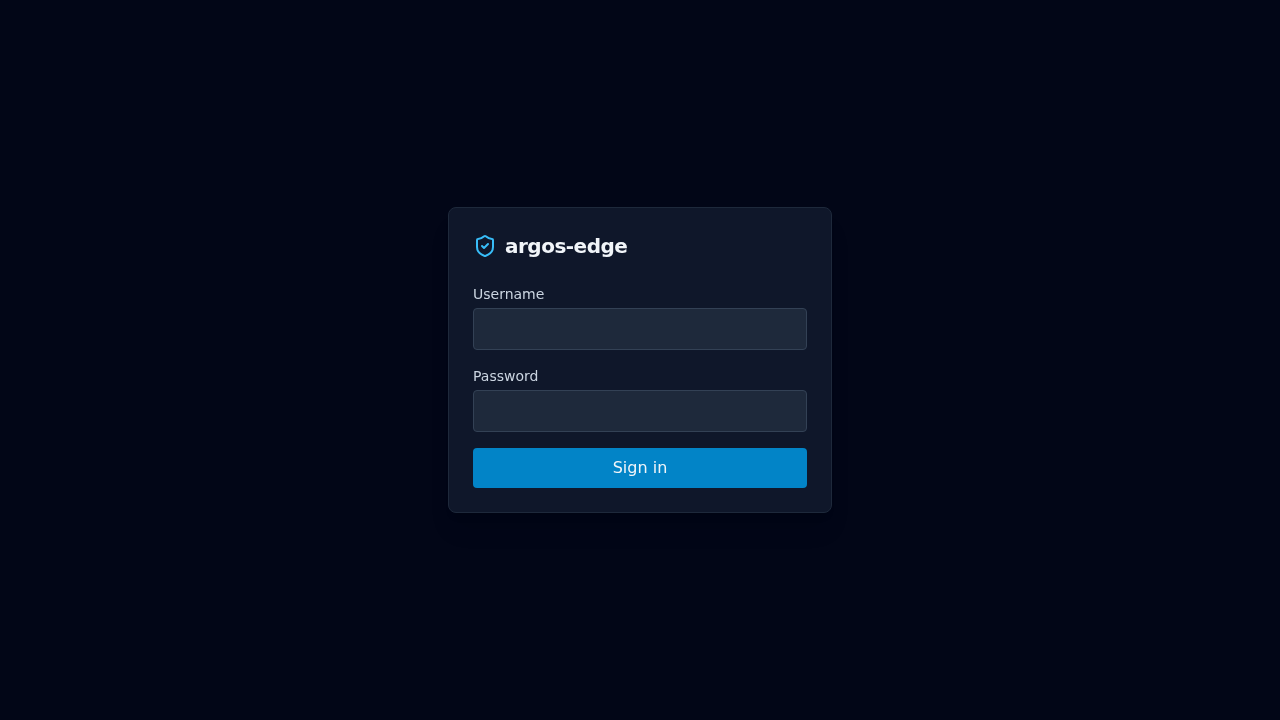
If the login screen never appears, see Troubleshooting.
2. Turn on 2FA
The local admin is the break-glass entry to the panel. Add TOTP so a stolen password alone cannot unlock it.
Open System → Two-factor authentication and click Enable 2FA. Scan the QR with Aegis / 1Password / Google Authenticator, type the 6-digit code, and save the recovery codes before closing the dialog — the panel will never show them again.
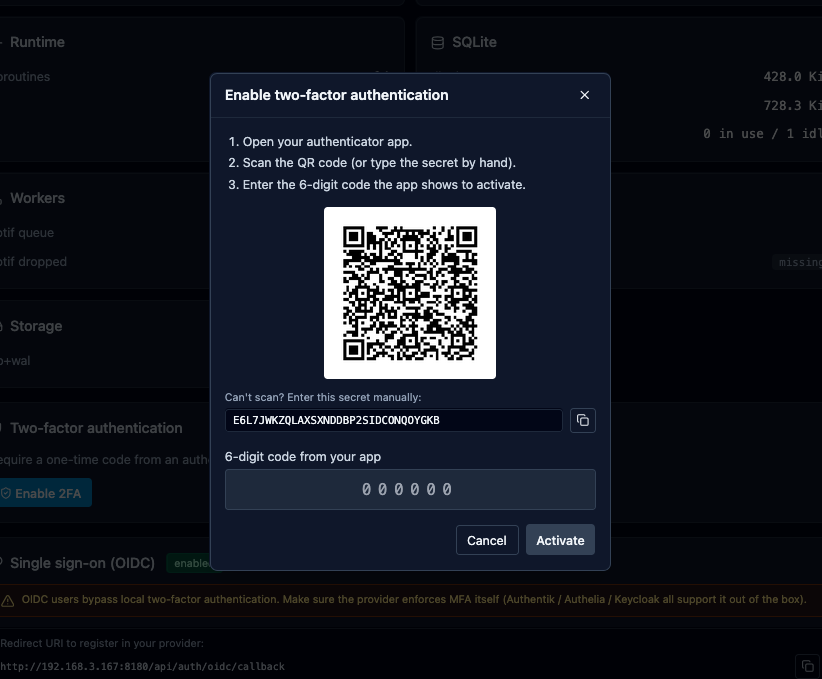
Full flow: Local auth.
3. Review the system settings
Not every default is wrong, but you will probably want to change a few right after the first boot:
- System → Settings → Session timeouts. Defaults are 168 h absolute + 24 h idle. Tighten for shared devices.
- System → Settings → Logs retention. Default 30 days / 500 k entries. Raise if you have ingest headroom and forensics matter.
- System → Notifications. Wire at least one channel (webhook or email) before any alert worth receiving fires.
- System → Backups. Default cron is
0 2 * * *with 14-day retention. Confirm the/data/backups/volume has disk.
4. (Optional) Configure OIDC
If you want SSO for yourself and for the services you will put behind argos, do this before adding hosts — the cookie_parent_domain setting affects the cookie shape that ForwardAuth-protected hosts will receive.
Full setup (Google, Microsoft, Keycloak, Authentik, Authelia): OIDC SSO.
5. Add your first host
The main event. The playbook is Add a host. Ten-minute version:
- Target group with the upstream IP/port.
- Host with the public domain + target group + TLS auto.
curl https://<domain>/and watch the panel's Logs tab.
If the cert issuance fails, the most common cause is DNS pointing at something other than your host; see Troubleshooting.
6. Look at the dashboard
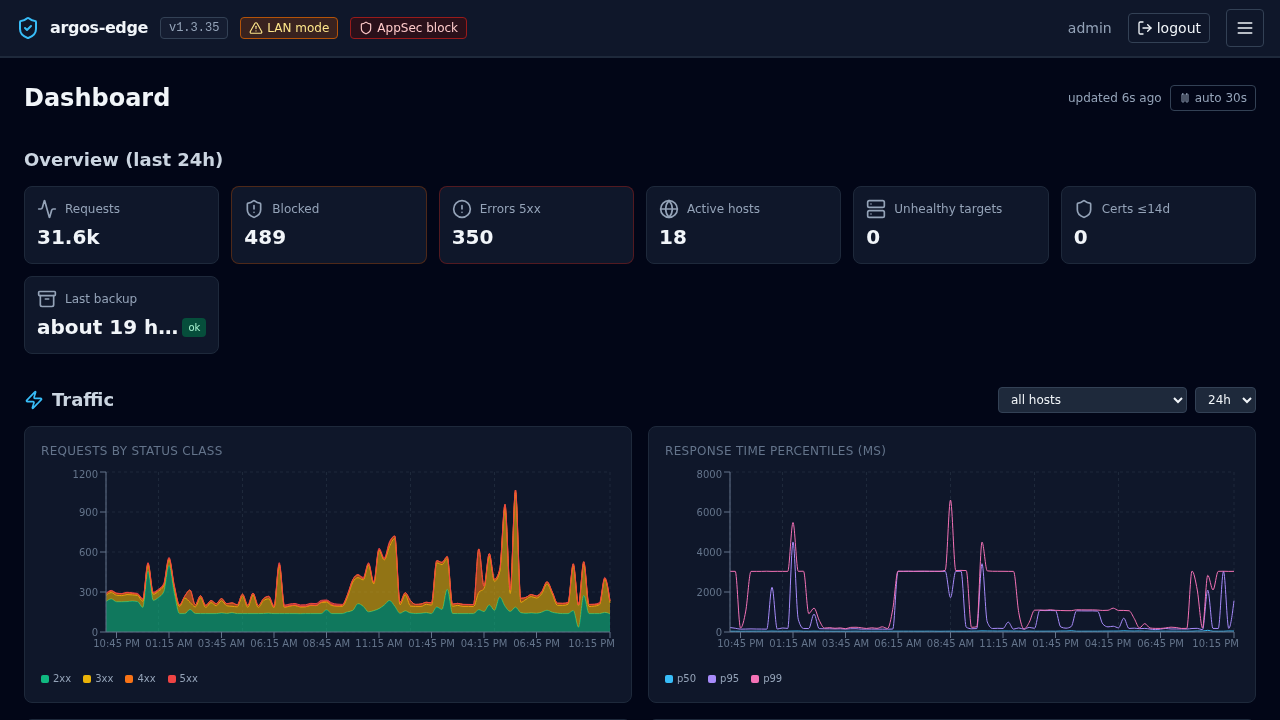
Dashboard shows traffic, attack signal aggregates, the world map of offending IPs, and the top 4xx/5xx paths. It is where you look every morning.
7. Before you walk away
- Confirm a backup has actually run: Backups tab, watch for the first scheduled entry after the cron fires. Trigger a manual run to de-risk day zero.
- Confirm CrowdSec is enrolled (if you want community blocklist pulls). Settings snapshot + enrollment process: CrowdSec.
- Note down the panel URL, the bootstrap admin credentials, the recovery codes, and the location of the
.envin whatever password-manager / safe you use for ops. All four are needed to recover the panel from a worst-case loss.
Done. The rest of the site is fluff now; come back as needed.